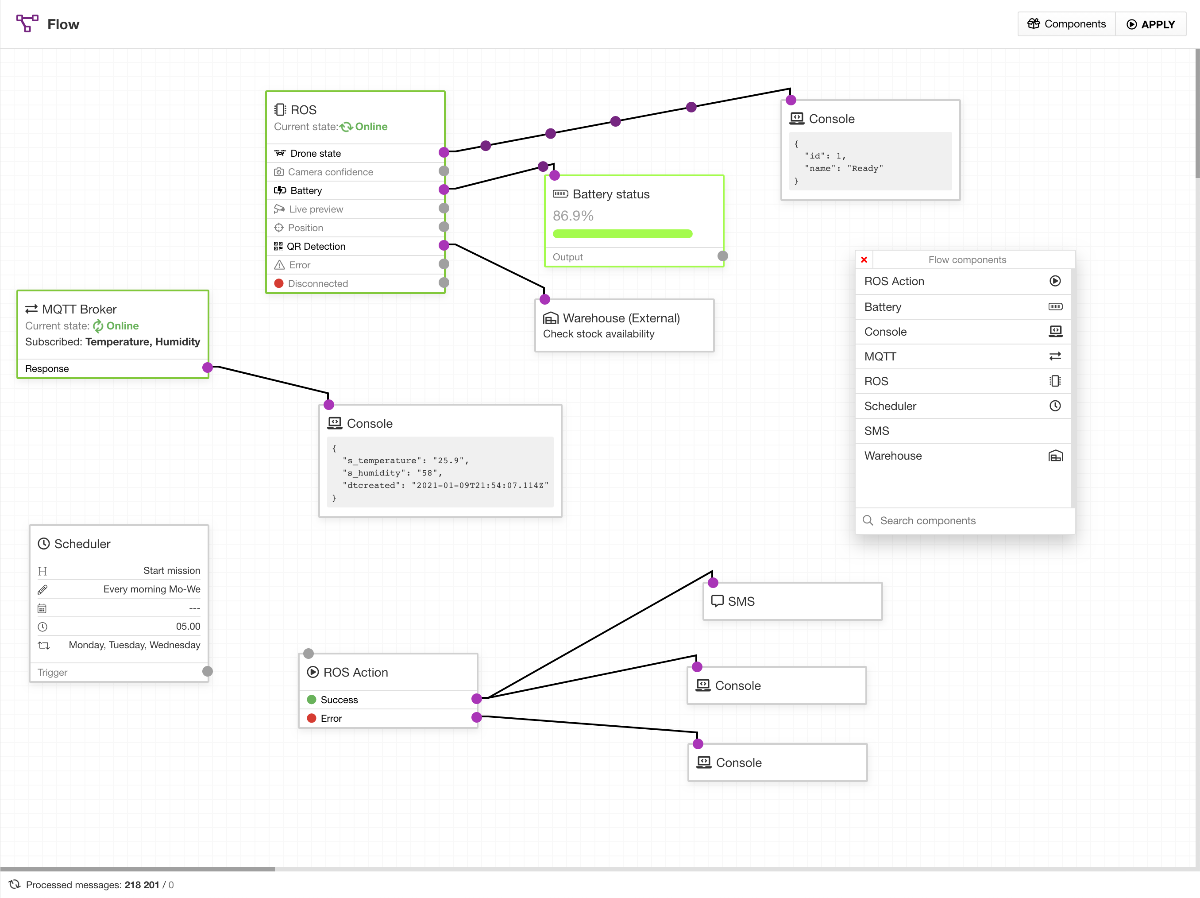
It's a friendly, modern, straightforward Visual Programming Interface for Low-code Development accessible through a web browser. The tool integrates, processes, and transforms various events and data in real time.
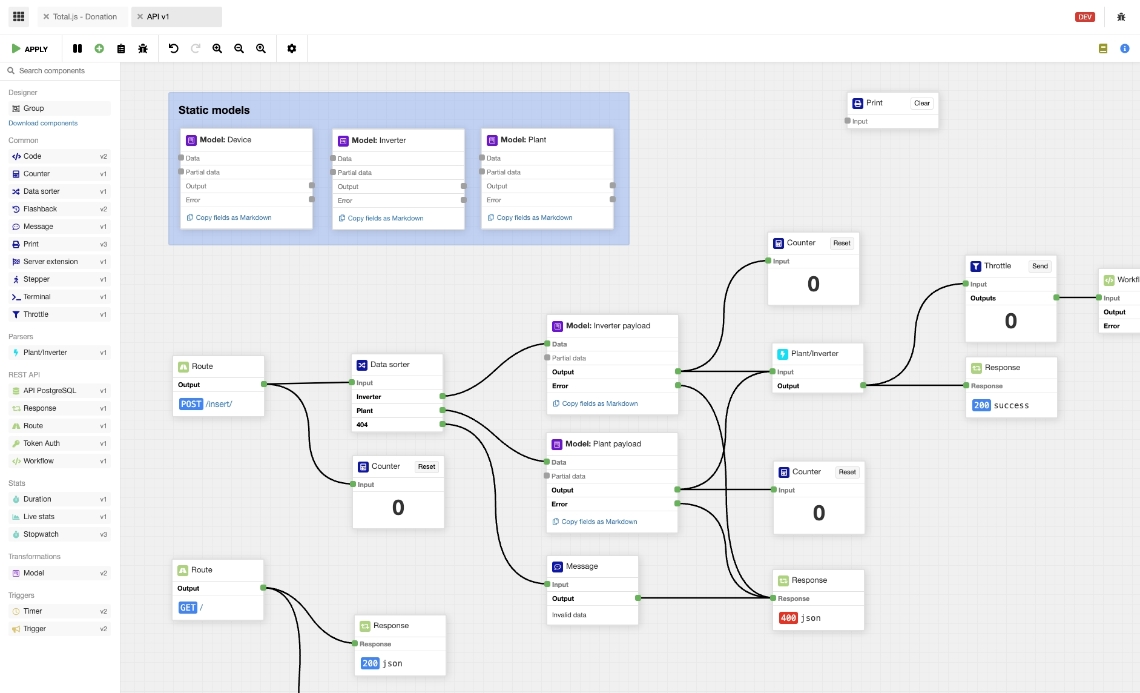
Our open-source visual programming interface can be used for learning models and using existing models on various AI platforms. Create your own artificial intelligence components and logically connect them.
It's a nice, modern, clear visual programming interface accessible through a web browser. The tool integrates, processes, and transforms various events and data in real-time. It offers more than 90 predefined open-source components with which you can create complex integrations and transformations. Moreover, it works without third-party dependencies with low hardware requirements.
Total.js Flow is part of the Total.js Platform and is a direct alternative to Node-red. This fantastic visual programming interface is primarily intended for IoT and web/REST apps. Using drag and drop tools, you can quickly and reliably create a variety of workflows. You can connect various hardware devices (e.g., Arduino), application interfaces (APIs), and online services simply. Graphical manipulation of programming elements takes care of all the backend infrastructure so that you can focus on the primary business logic.
Embrace the future of REST API development with LessCode! With our cutting-edge app, we're paving the way for seamless, efficient, and scalable solutions that cater to all your API needs
Total.js Flow is an application consisting of independent components connected to each other. Graphical manipulation of programming elements, rather than specifying them textually, allows users to manipulate command flows in an interactive manner. You can find all our components and source codes on Github.
Other possibilities: Intelligent energy, smart agriculture, fleet tracking, smart metering, environmental monitoring, home automation, smart city, smart office, water metering, smart retail, marketing, e-commerce, etc..
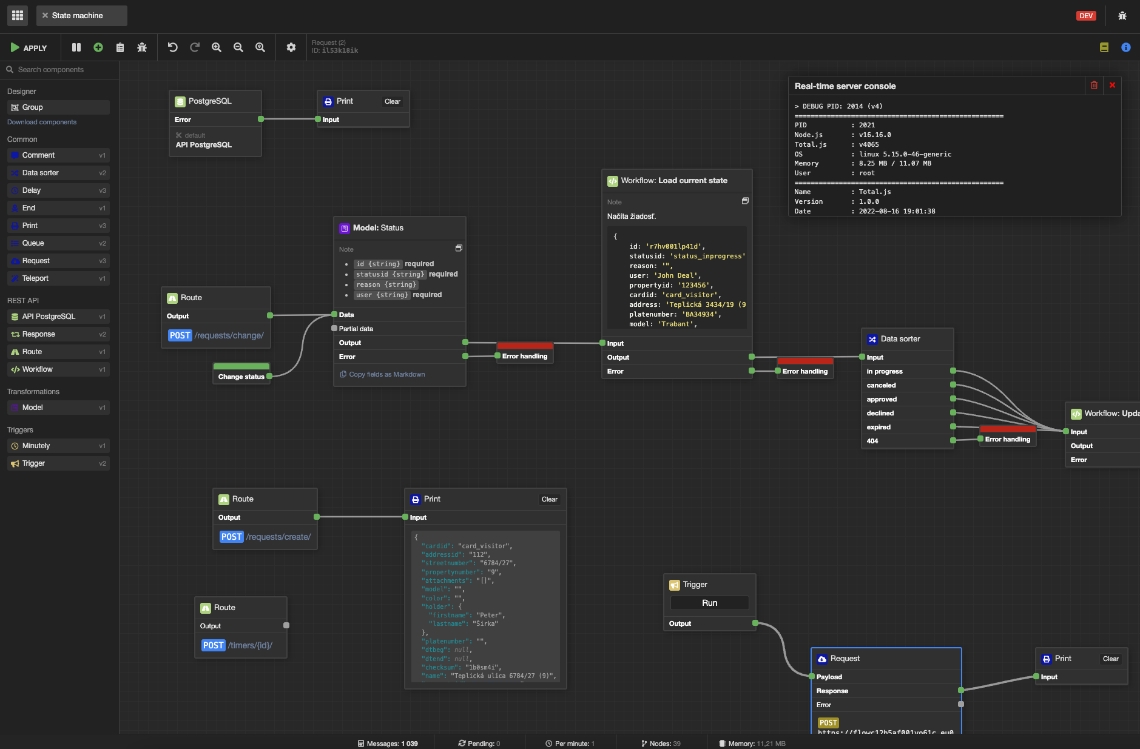
You can create and modify Total.js Flow components in real-time directly in the Flow. Also, Total.js Flow allows you to edit imported component as well.
You don't need special tools for creating or updating Total.js Flow components. Components can be designed directly in the Flow in your web browser.
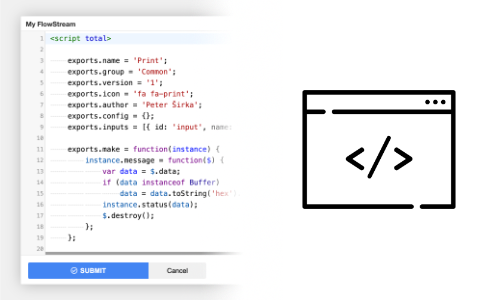
By default each Total.js Flow is running as independent Child Process/Worker-Thread (outside of main thread). Each worker-thread takes around 5-15 MB RAM.
In Total.js Flow, you can create an unlimited count of FlowStreams. Every FlowStream is running under its own thread, separated from others. So the performance doesn't depend on others.
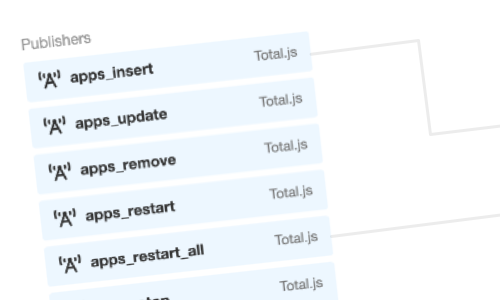
Total.js Flow can be used as an integrator for Total.js Message Service (PUB/SUB/RPC architecture). You can easily integrate multiple Total.js Apps together directly in the Total.js Flow.
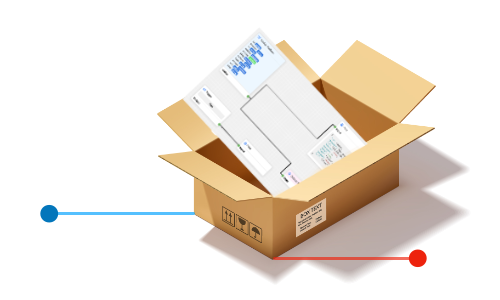
This is amazing feature because you can pack the entire FlowStream (with its design, components and variables) into the component. The component can be used unlimited times in other FlowStreams.
With the real-time traffic indicator, you can watch the real-time data on the INPUT and OUTPUT of the component.
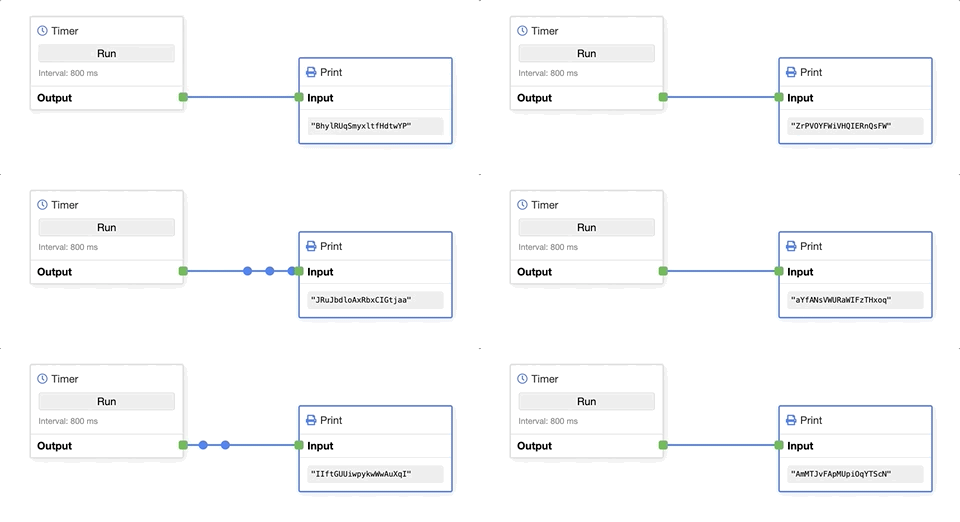
You can implement everything as Total.js Flow components. Here, creativity doesn't have any limits and you can do everything.
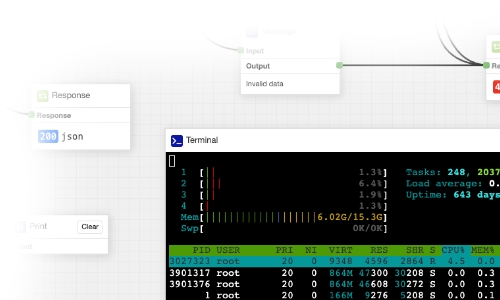
As you can see, we have implemented Terminal directly into the FlowStream. Total.js Flow doesn't have any limits for your ideas, build what you need like IP camera outputs, maps or other gadgets.
We have prepared a lot of Total.js Flow customizations for various cases and in different sectors. We are ready to help you if you need something special.